Define the monitoring scope
Start with the locations of concern, operating hours, camera coverage, and the events your team wants reviewed. Discuss 24/7 or scheduled monitoring options and confirm what is included in the selected service plan.
Connect camera events to a clear response plan.
Discuss monitoring alongside your mobile surveillance trailer rental. Blackstone Integrated Technologies helps define the viewing, event review, and notification workflow around your property and project requirements.
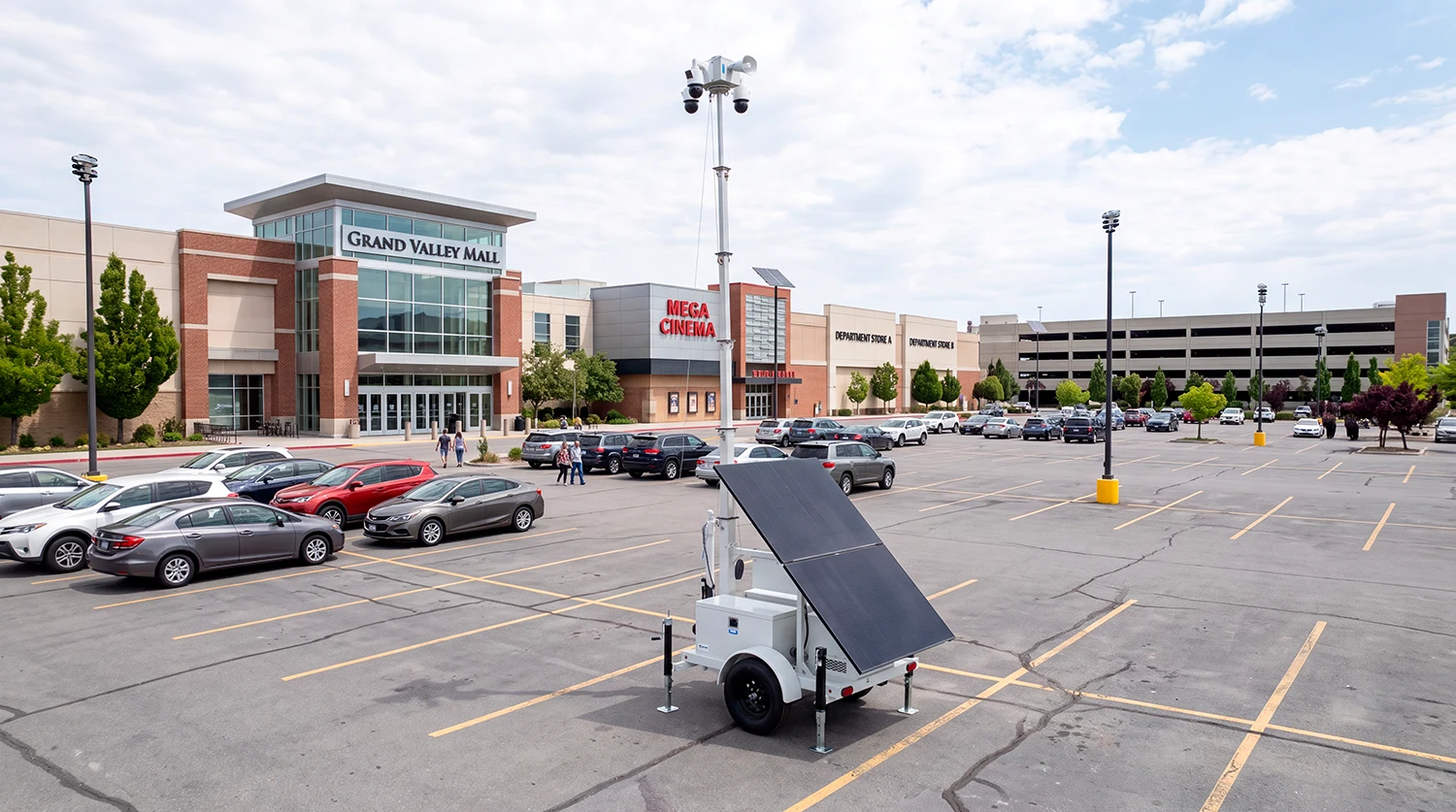
Start with the locations of concern, operating hours, camera coverage, and the events your team wants reviewed. Discuss 24/7 or scheduled monitoring options and confirm what is included in the selected service plan.
Depending on the equipment and plan, available workflows may include live viewing, operator verification, talk-down, event alerts, and escalation. Confirm the actions an operator can take, the contact order, and any law-enforcement sharing arrangements before service begins.
Discuss recording access, retention, event search, export links, and authorized users. Set expectations for how your team retrieves footage and who can share it. Storage and access features depend on the chosen platform and service scope.
Provide the location, trailer quantity, expected rental term, desired monitoring hours, and notification requirements. Blackstone confirms the equipment, monitoring scope, availability, and pricing for your project.
Monitoring is confirmed as part of the agreed service scope. Request it explicitly when asking for rental pricing.
Talk-down can be discussed where the equipment and service plan support it. Confirm operator actions and escalation procedures before deployment.
No automatic response should be assumed. Event verification, notifications, and escalation depend on the agreed workflow and applicable response arrangements.